Who is Cassian for?
Developers and engineers who want better opportunities, a reputation for their expertise, and useful connections. That includes software developers, DevOps engineers, SREs, platform, cloud and security engineers, and technical leads.
Is it mainly for senior engineers?
Experienced engineers are a strong fit because they have projects, decisions, and lessons to draw on. You don’t need a senior title. You do need something you want to explain or discuss.
Is this only useful when I’m looking for a job?
No. Share knowledge, build relationships, keep former colleagues up to date, or help potential clients understand your work. Job opportunities are one reason to use it.
What if I don’t know what to post?
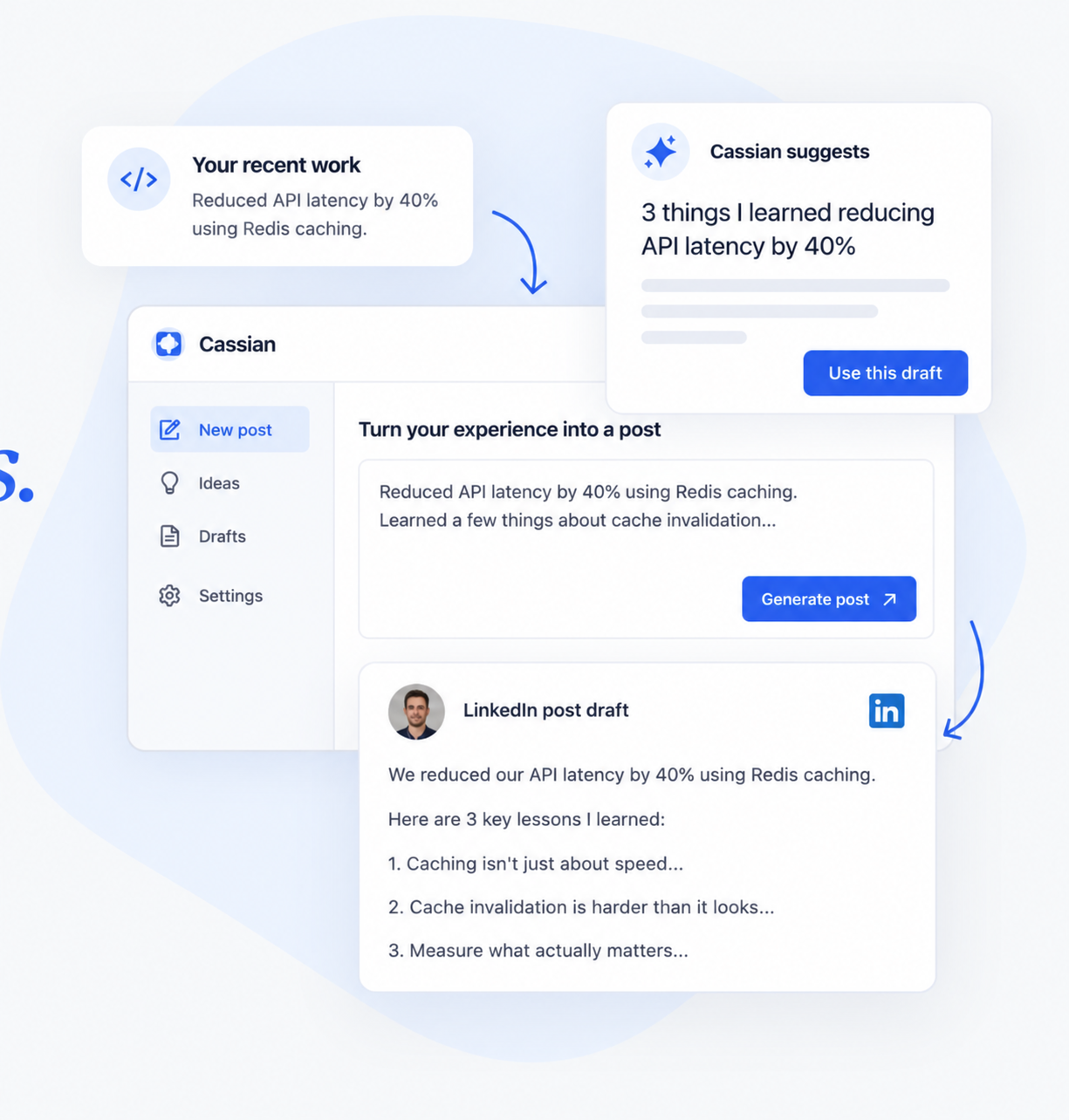
Explore relevant posts and save useful references. Find a question you can answer or a decision you have experience with. You can also start with a rough note about something that happened at work.
Can I find posts that have performed well?
Research relevant posts and review their available engagement information. Use it to find interesting subjects and discussions. A source post’s success doesn’t guarantee your post will perform the same way.
Will my posts sound like generic AI?
Give Cassian your context, preferences, and specific experience. Ask for simpler wording and remove phrases you wouldn’t use. Review and edit the final draft. Useful detail gives the draft more to work with.
Can I change everything before publishing?
Yes. Review and edit the draft before scheduling. Check the technical explanation, wording, and anything that should stay private.
How does Cassian handle technical accuracy?
Cassian helps explain and structure your ideas. You should verify claims, examples, terminology, and code before publishing.
Does it copy other people’s posts?
Research gives you a reference to consider. Your post should contain your own experience and explanation. Don’t present another author’s work as yours. Credit sources when you use their ideas.
Do I need to post every day?
No. Choose a schedule you can maintain. Keep drafts and planned posts organized whether you publish frequently or occasionally.
Does Cassian guarantee a job, interviews, or followers?
No. Those outcomes depend on your experience, audience, market, and other factors. Cassian helps with the writing and publishing work that gives people more opportunities to understand your experience.
Can I schedule posts?
Review and schedule posts through a supported connected LinkedIn account. Use the calendar to see what is planned and manage publishing times.
Does Cassian publish automatically?
You can review and schedule individual posts. Background automation has separate opt-in settings. Review those settings and the publishing queue before enabling it.
Can I add images and create carousels?
Upload your own images or create a carousel from your writing. Use media you have permission to share when it helps explain your idea.
What analytics can I see?
Supported engagement data and publication history where available. Cassian does not promise private LinkedIn impressions or complete historical data. Sources can have missing or delayed data.
Will it manage conversations with my network?
Cassian helps you prepare and publish content. You participate in the conversations it starts. The offer does not include automated replies or direct messages.
Can I use it for consulting?
Yes, to explain the problems you help solve and your approach. Use examples you’re allowed to share so potential clients can understand your experience.
Can I use confidential work as input?
Only use material you have permission to share with the service. You can often explain a general lesson without uploading private documents, code, customer information, or identifying details.
Can I keep and export my content?
The workspace includes content export and data controls. Content deletion and subscription cancellation are separate actions.
What does it cost?
Cassian costs US$29 per month, billed monthly with automatic renewal. Each billing period includes 400 AI generations, 200 publications, and 50 research searches. Applicable taxes are shown before payment. See pricing and subscription terms.
How do I cancel my subscription?
Open Plan & billing in Cassian and choose Stop renewal, then confirm. You can also open Manage payment & invoices to access your customer portal. Cancellation stops future renewal; access continues through the confirmed paid-through date. Deleting content or disconnecting LinkedIn does not cancel your subscription. For help, email [email protected].
Is the onboarding group included?
Contact us for the current format and availability. We’ll explain how group access relates to the software before you join or subscribe.
Can I use Telegram and the web workspace?
Link your Telegram identity to your web account from Connections so both belong to the same creator workspace. Use chat for the conversation and dedicated workspace controls for editing and scheduling.
 cassianOpen Cassian